YouTube Playback Speed Calculator: How 1.25x, 1.5x, 2x Changes Watch Time
Learn the exact formula behind YouTube playback speeds and see real examples of how watching at 1.5x or 2x shrinks a 10-hour course into a manageable schedule.
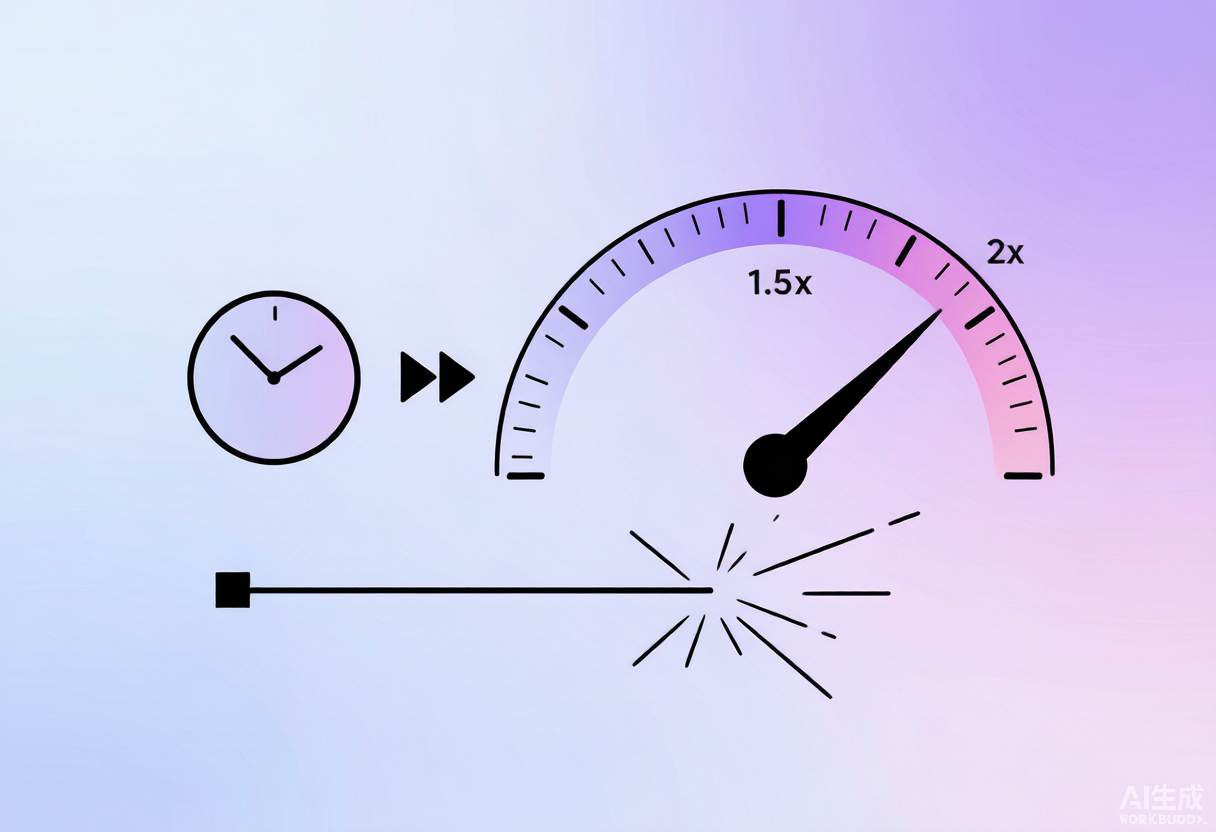
Watching at 1.5x is the single easiest productivity hack on YouTube. But how much time does it actually save, and when does "faster" start costing you comprehension? Here is the exact math, a reusable table, and practical guidance for every device.
The Formula
adjusted_time = original_duration ÷ speed
saved_time = original_duration × (1 − 1/speed)
Speed Reference Table
Instead of recalculating, use this cheat sheet for common playlist lengths:
| Original | 1.25x | 1.5x | 1.75x | 2x |
|---|---|---|---|---|
| 5 hours | 4h 00m | 3h 20m | 2h 51m | 2h 30m |
| 10 hours | 8h 00m | 6h 40m | 5h 43m | 5h 00m |
| 20 hours | 16h 00m | 13h 20m | 11h 26m | 10h 00m |
Real Examples
A 10-hour course watched at different speeds:
- 1.25x → 8h 00m (save 2h)
- 1.5x → 6h 40m (save 3h 20m)
- 1.75x → 5h 43m (save 4h 17m)
- 2x → 5h 00m (save 5h)
Quick rule of thumb: at 1.5x you save one third of the time; at 2x you save half. Always calculate the adjusted total before committing to a schedule.
How to Change Playback Speed
- Desktop: click the gear (Settings) → "Playback speed" → choose 1.5x or 2x.
- Mobile: tap the video, then the gear icon, then "Playback speed."
- Keyboard: on desktop,
<and>nudge speed down/up by 0.25x.
Does Speed Affect Subtitles or Data?
Captions stay perfectly in sync because they're tied to the video timeline, not wall-clock time — handy for language learners who speed up but still read subtitles. Data usage is unchanged: the same file is simply decoded faster, so 2x doesn't double your bandwidth.
Best Speed by Content Type
| Content | Recommended | Why |
|---|---|---|
| Lectures / tutorials | 1.5x | Clear speech, saves 33% |
| Podcasts / interviews | 1.75–2x | Conversational, easy to follow |
| Foreign-language lessons | 1.25x | Preserves nuance |
| Music / performances | 1x | Pitch & feel matter |
When Faster Becomes Worse
Speech stays intelligible up to about 1.5x for most narration. Past 1.75x, dense technical content — proofs, code explanations, foreign-language lessons — loses comprehension fast. Use 1.5x for lectures, 1.25x for anything subtle, and reserve 2x for material you already half-know.
Common Mistakes
Pair It With the Calculator
Step one: get the exact total length. Step two: divide by your speed. That two-step combo turns a vague "it's a big course" into a concrete "6h 40m at 1.5x" you can actually schedule.
Frequently Asked Questions
What is the formula for playback speed time savings?
Divide the original duration by the speed factor. A 6-hour playlist at 1.5x takes 6 ÷ 1.5 = 4 hours. At 2x it takes 3 hours. The saved time equals original duration × (1 − 1/speed).
Does faster playback lose information?
At 1.25x–1.5x most speech stays clear. Above 1.75x comprehension drops for dense material. Use 1.5x for lectures and 2x only for content you already partially know.
Can the calculator show time at a specific speed?
Calculate the total length first, then divide by your chosen speed. Many users pair the total with a playback-speed table to build a study plan.
How do I change playback speed on YouTube?
On desktop, click the gear (Settings) → Playback speed and pick a rate; the keyboard shortcuts < and > nudge it by 0.25x. On mobile, tap the gear icon on the video then Playback speed.
Does faster speed affect subtitles or captions?
Captions stay in sync because they are tied to the video timeline, not wall-clock time. This makes speeding up while reading subtitles perfectly usable for language learners.
What speed is best for different types of content?
Lectures and tutorials work well at 1.5x; podcasts and interviews at 1.75–2x; foreign-language lessons at 1.25x to preserve nuance; and music or performances at 1x where pitch and feel matter.
Does watching at 2x use more data?
No. The same video file is simply decoded faster, so bandwidth usage is unchanged regardless of playback speed.
Can I set a default playback speed permanently?
YouTube remembers your last chosen speed for the current session, and several browser extensions can force a default speed across videos. The calculator handles the math either way.
Ready to Calculate?
Put this guide into practice — get the exact length of any YouTube playlist in seconds.
Try the CalculatorHave a question this guide didn't answer? Reach out and it may become the next FAQ entry.