How to Shuffle YouTube Playlists (2026 Update): What's New in Randomizer V1.4.5
Stop settling for 'fake shuffle.' Discover how our latest V1.4.5 update brings true mathematical randomness, persistent sorting, and privacy-first design to your YouTube listening experience.
We've all been there: you have a playlist with hundreds of songs, you hit "Shuffle," and yet, you keep hearing the same 20 tracks from the same 3 artists. Is it déjà vu? No, it's the "Fake Shuffle" mystery, and today, with the release of YouTube Playlist Randomizer v1.4.5, we're finally solving it.
The "Fake Shuffle" Mystery
Why does YouTube's native shuffle feel so repetitive? The answer lies in algorithm optimization. Streaming platforms often prioritize "retention" over "randomness." Their algorithms tend to favor tracks that are currently popular, recently added, or historically less likely to cause a "skip."
While this is great for keeping average users engaged, it's frustrating for true music lovers who curate deep playlists. You built a 500-song playlist to hear all 500 songs, not just the top 10 chart-toppers on repeat.
What’s New in v1.4.5
With version 1.4.5, we went back to the drawing board to engineer a solution that respects your curation.
- True Randomness (Fisher-Yates Algorithm):
We've implemented the industry-standard Fisher-Yates shuffle algorithm. This ensures that every single video in your playlist has a statistically equal probability of appearing in any position. No bias, no weighting, just pure, mathematical chaos.
- Persistent Sorting Controls:
Not only can you shuffle, but you can now instantly revert to the original order or sort by Title and Artist. This gives you complete control over your listening experience.
Step-by-Step Guide
Ready to experience true randomness? Here is how to use the new tool with a real-world example: "2026 Songs Playlist - Top Most Played Music 2026".
Step 1 Get the Playlist URL
First, copy the URL of the YouTube playlist you want to shuffle. For this guide, we are using a popular 2026 hits playlist.
.webp)
Step 2 Load the Playlist
Navigate to Youtube Playlist Randomizer. Paste your URL into the search box and click "Load". The tool will instantly fetch all videos.
Step 3 Shuffle & Sort
This is where the magic happens. Click "Reshuffle" to randomize the order. Don't like the result? Click it again!
_original.webp)
Want to go back? Simply click the "Original" button to restore the playlist's default order as curated by the creator.
_shuffile.webp)
Step 4 Play Directly
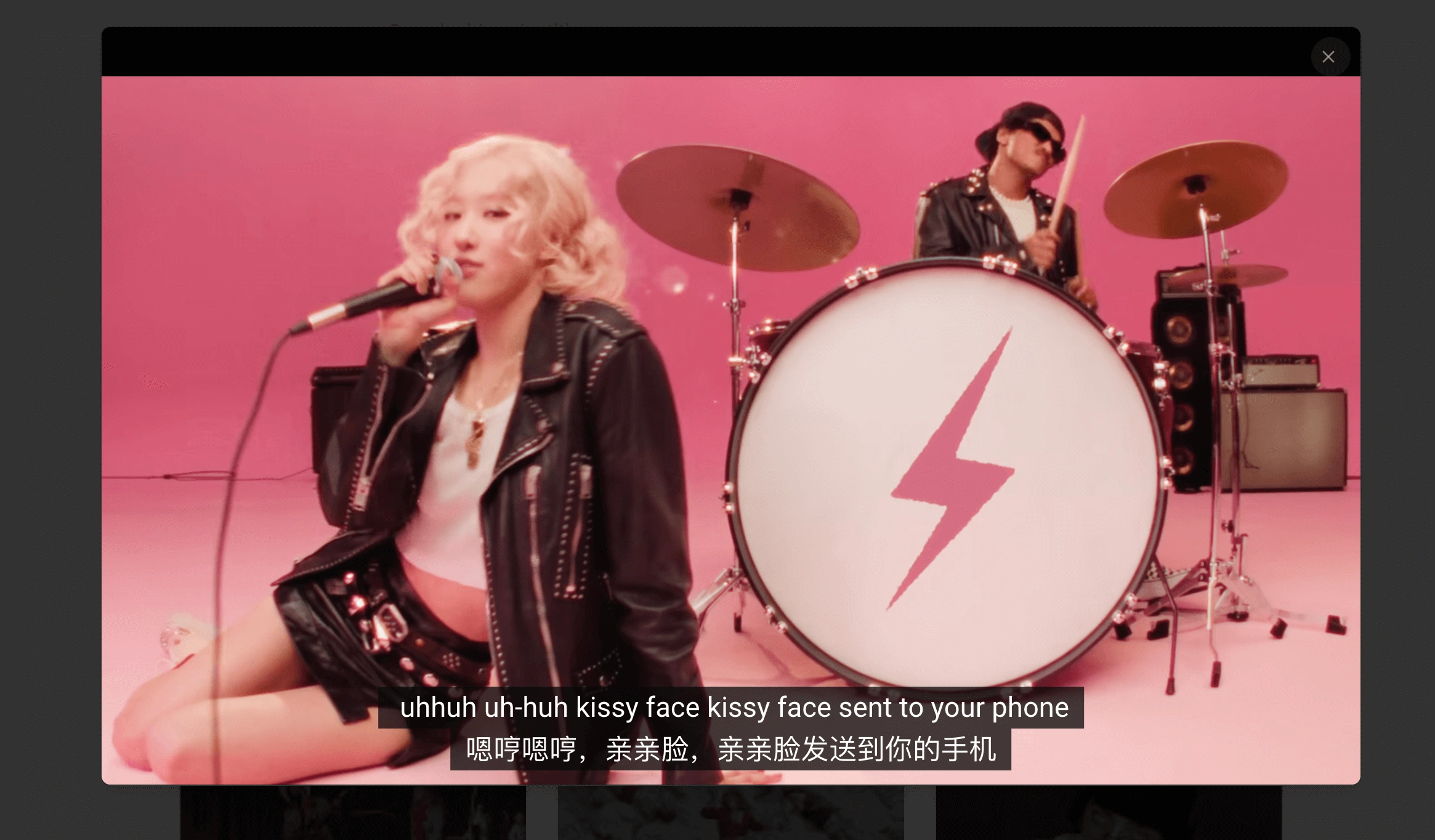
You don't need to leave the page. Click on any video in your new shuffled list to start watching immediately in our immersive player.
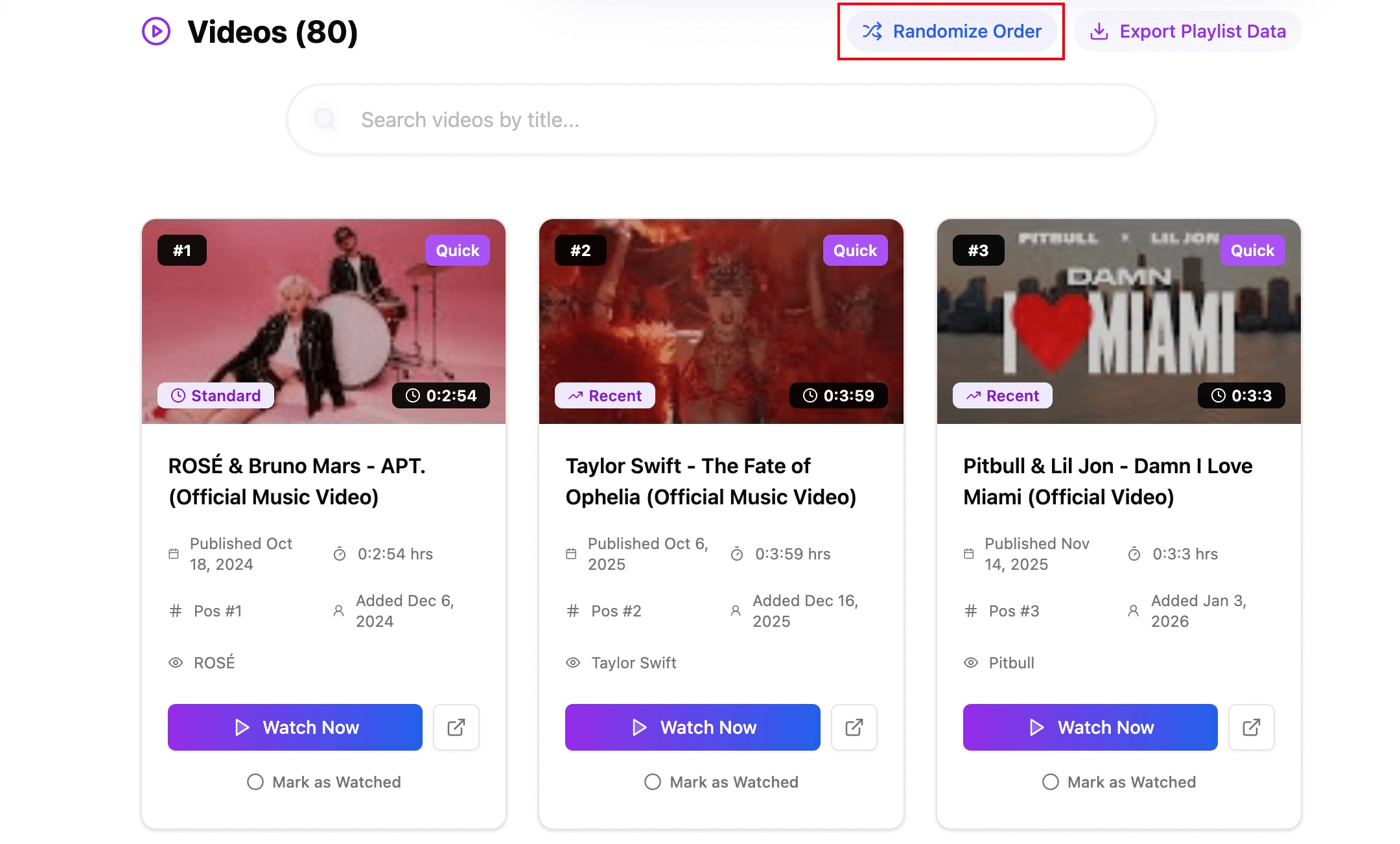
Pro Tip: You can also access this feature directly from our homepage! Look for the "Randomize Order" button on any playlist result card.
Native Shuffle vs. Our Tool
Why switch? Here is a direct comparison of why our tool offers a superior experience for power users.
| Feature | YouTube Native Shuffle | Randomizer v1.4.5 |
|---|---|---|
| Randomness Type | Algorithmic (Biased) | True Mathematical (Fisher-Yates) |
| Transparency | Hidden Logic | 100% Transparent Results |
| Large Playlist Support | Often Lags/Buffers | Instant Async Loading |
| Privacy | Tracks Listening Habits | No Login Required |
| Sorting Options | Limited | Shuffle, Original, Title, Artist |
FAQ & Logic
Is it safe? Do I need to log in?
It is 100% safe. We do not require any Google Account authorization. Our tool uses the public YouTube Data API to fetch playlist information just like a web browser does. We never see your password or private data.
Why isn't my playlist working?
The most common reason is privacy settings. If your playlist is set to "Private", our tool (and the public internet) cannot see it. Please change the visibility to "Unlisted" or "Public" to use this tool. You can always change it back later!
Experience True Randomness Today
Version 1.4.5 is the fastest, most reliable way to break free from algorithms and enjoy your music the way it was meant to be heard: unexpectedly.