How to Search a Video Inside a YouTube Playlist: V1.4.4 New Version Release!
Struggling to find a specific video in a massive YouTube playlist? You're not alone. Discover how our latest V1.4.4 update solves this 8-year-old problem with instant playlist searching.
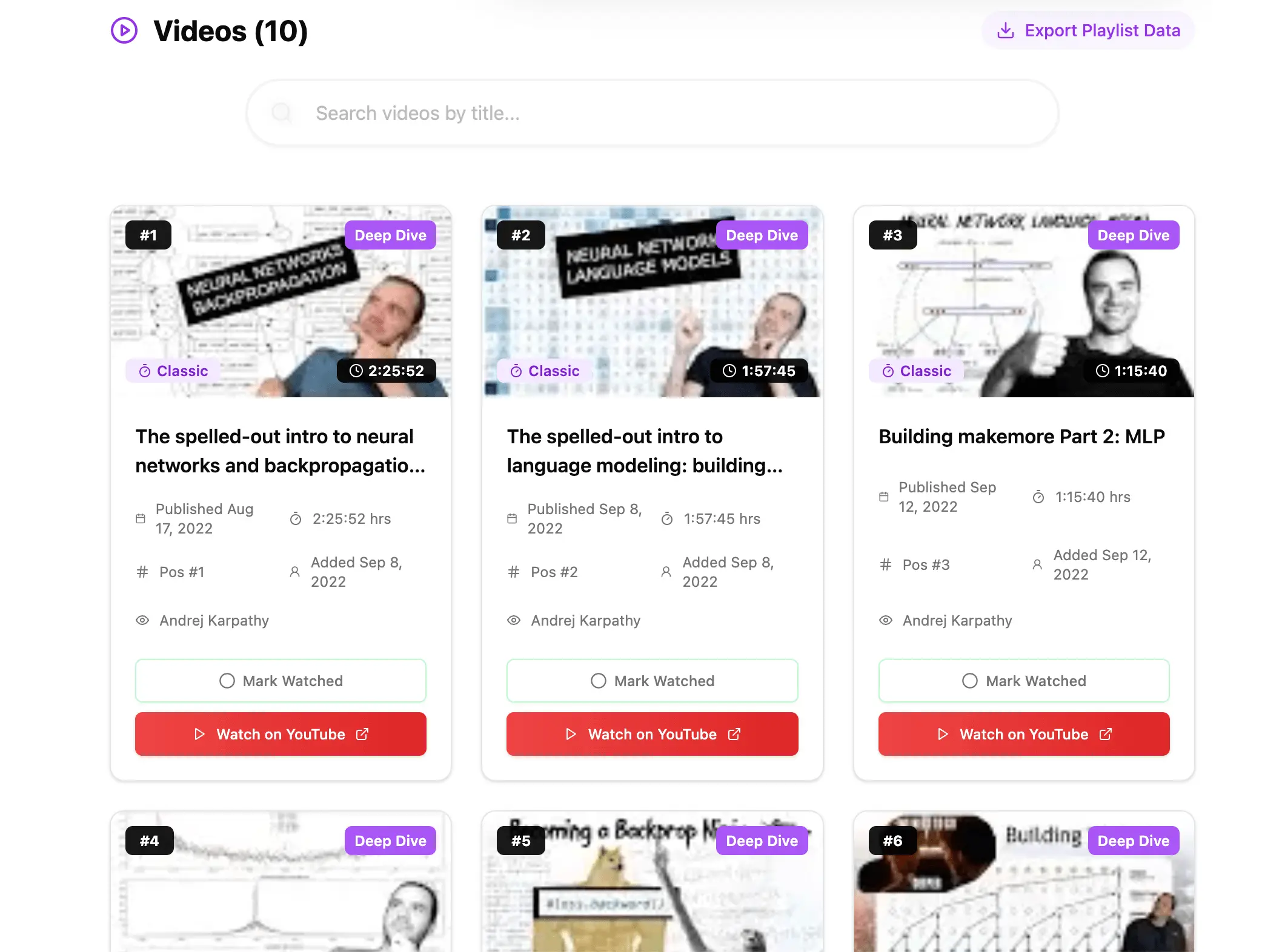
The Struggle is Real: Finding one video in thousands
"Is it just me, or is it completely insane that in 2025, we still can't search for a video within a playlist?"
This question has resonated with thousands of frustrated users. And honestly? They have a point.
The Problem: The Endless Scroll
If you have a playlist with hundreds—or even thousands—of videos (think coding tutorials, historical documentaries, or music archives), finding one specific clip is a nightmare.
Your current options on YouTube are painful:
- ✕Manual ScrollingScroll, scroll, wait for lazy loading, scroll more... until your finger hurts.
- ✕Ctrl+F FailsBrowsers can't find text in videos that haven't loaded yet. Position #450? Good luck.
- ✕Global SearchTakes you out of the playlist context, losing your queue and 'Up Next' flow.
"It feels like we're being told that our video collections are important, but not important enough to be easily navigable."
The Solution: V1.4.4 Real-Time Search
At YouTube Playlist Length Calculator, we listen to our users. We realized that calculating duration is just one part of managing a playlist. Finding content inside it is just as critical.
That's why we are thrilled to announce Version 1.4.4, featuring a dedicated In-Playlist Video Search Engine.
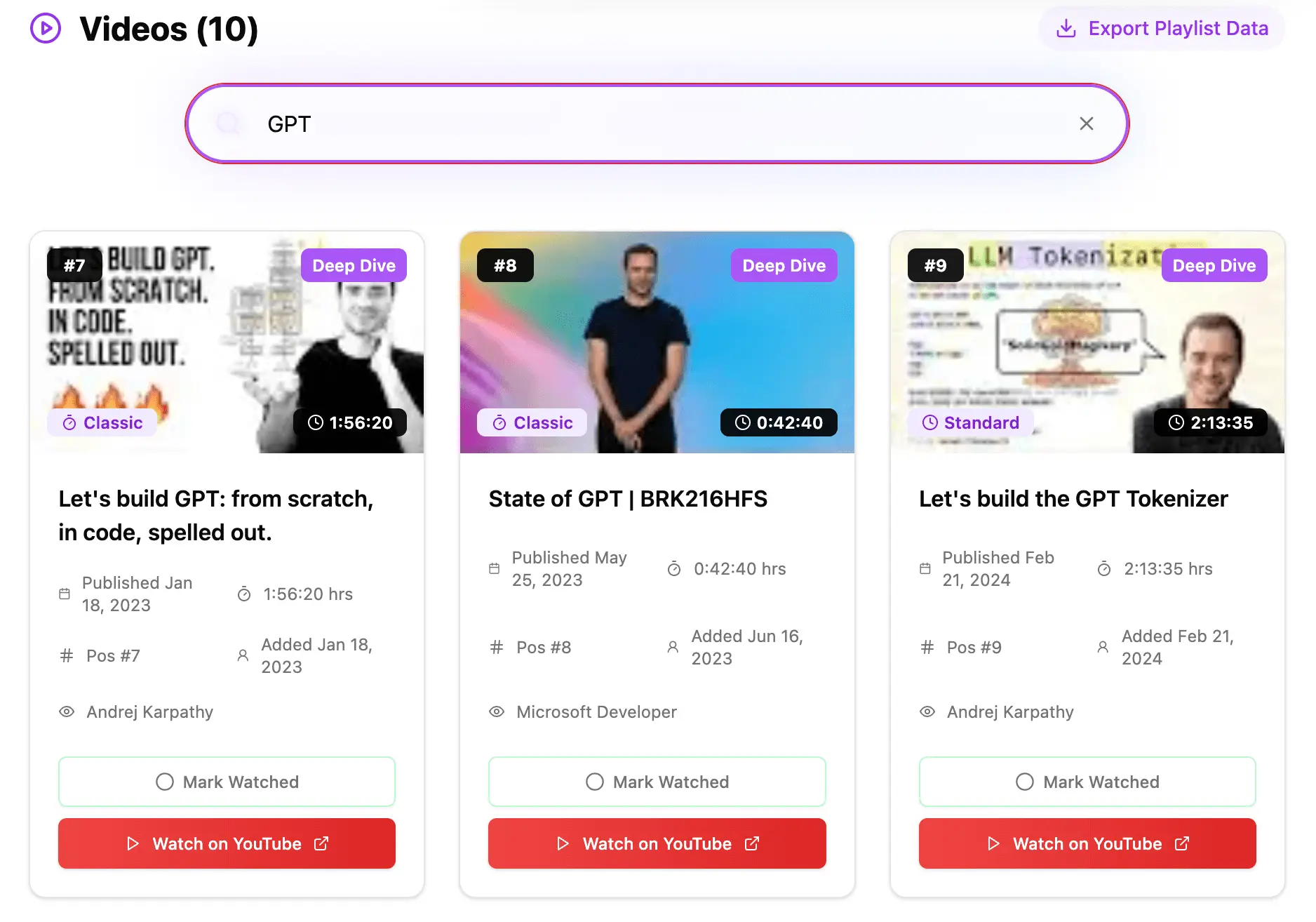
How It Works
Analyze Your Playlist
Paste your playlist URL as usual on our homepage.
Type to Filter
Scroll to the 'Videos' list and start typing in the new search bar.
Instant Results
The list filters instantly. No reloading, no waiting.
Context Preserved
Original video numbering (e.g., #42) stays visible.
More Than Just Search: V1.4.4 Highlights
Unified UI Design
Standardized input fields with a modern "Capsule" design, glassmorphism, and breathing gradient glows.
New Speed Slider
Interactive gradient slider for precise playback speed control (0.25x - 2x) with haptic-like visual feedback.
Why This Matters
In an era where we use YouTube for learning and research, efficiency is everything. With V1.4.4, we're not just calculating time; we're saving your time by making navigation effortless.